Set tonight once
Pick the wake feel, sound, and phrase style before you put the phone down. The clock starts without a complicated setup flow.
Bedside light clock
Turn a spare iPhone into a quiet bedside light for winding down, checking the time at night, and waking without a jolt.
Light Hour keeps the phone useful without turning it back into a feed. It is meant for a stand, a nightstand, or the spare device that already lives by the bed.
Pick the wake feel, sound, and phrase style before you put the phone down. The clock starts without a complicated setup flow.
After a pause, buttons step back and the screen becomes a soft breathing light with the time still readable.
A half-awake tap shows only what matters, stays dim, then returns to quiet so you do not get pulled into the phone.
Morning starts with light before sound. Snooze and wake copy stay calm and concrete, even when you oversleep.
Landscape bedside mode
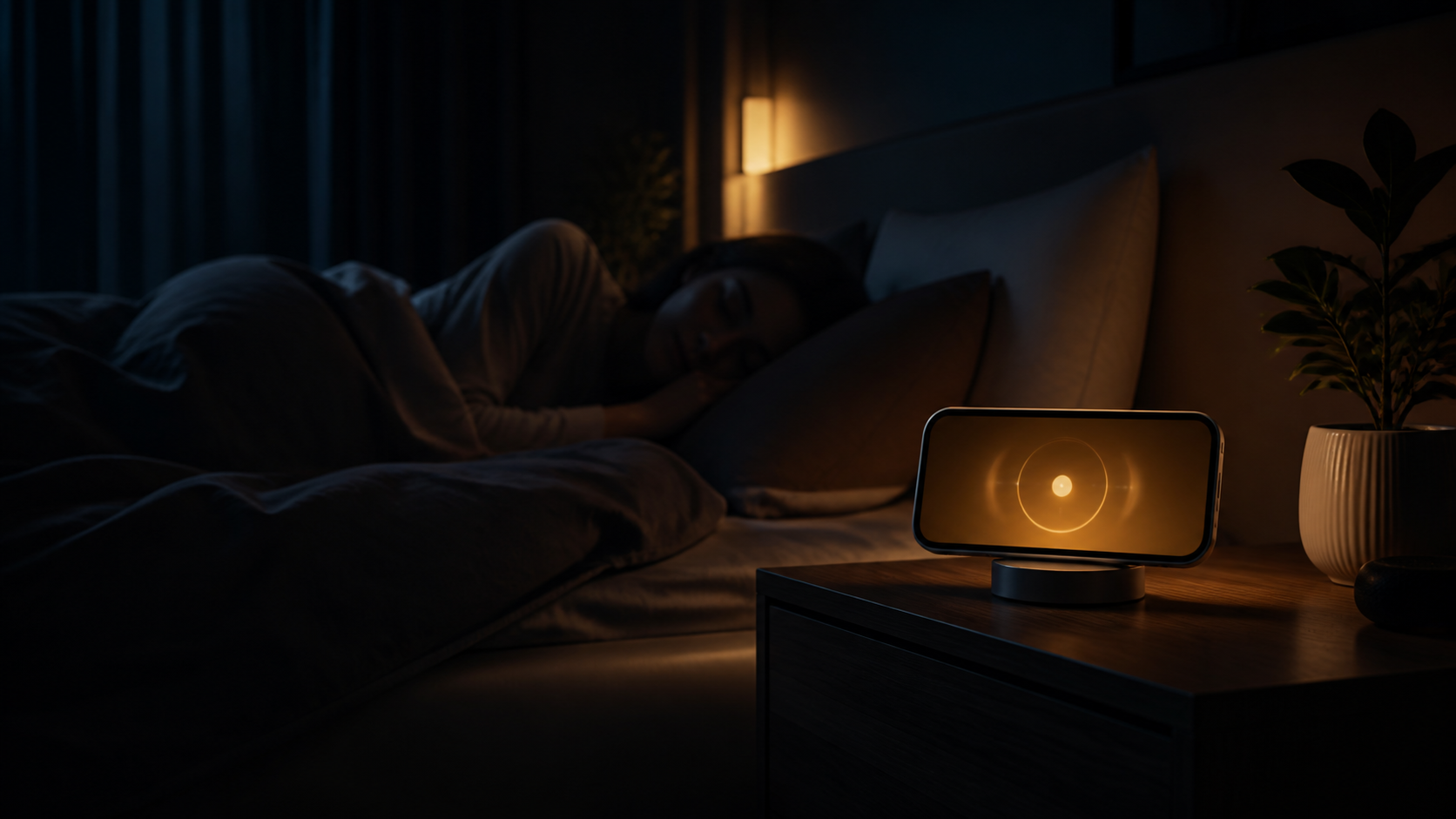
In landscape, Light Hour reads like a small bedside object instead of an app you need to hold. The glow is the point; the controls are temporary.
The core bedside clock stays useful without a subscription. PRO is for people who want Light Hour to remember more of their night routine and feel familiar across devices. Current pricing and trial details are shown in the app before purchase.
For a simple bedside clock that does not become a feed.
For a routine that should keep learning without getting busier.
Light Hour is not trying to become a sleep dashboard. It works from the choices you make in the app and keeps the data surface intentionally small.
No Health, Calendar, Contacts, precise location, microphone, or advertising access is needed for the bedside clock.
In settings, you can delete saved phrase feedback and synced bedtime preferences while keeping Apple purchase restore available.
Privacy, terms, and support are available here, with plain-language details about what the app uses and what it avoids.